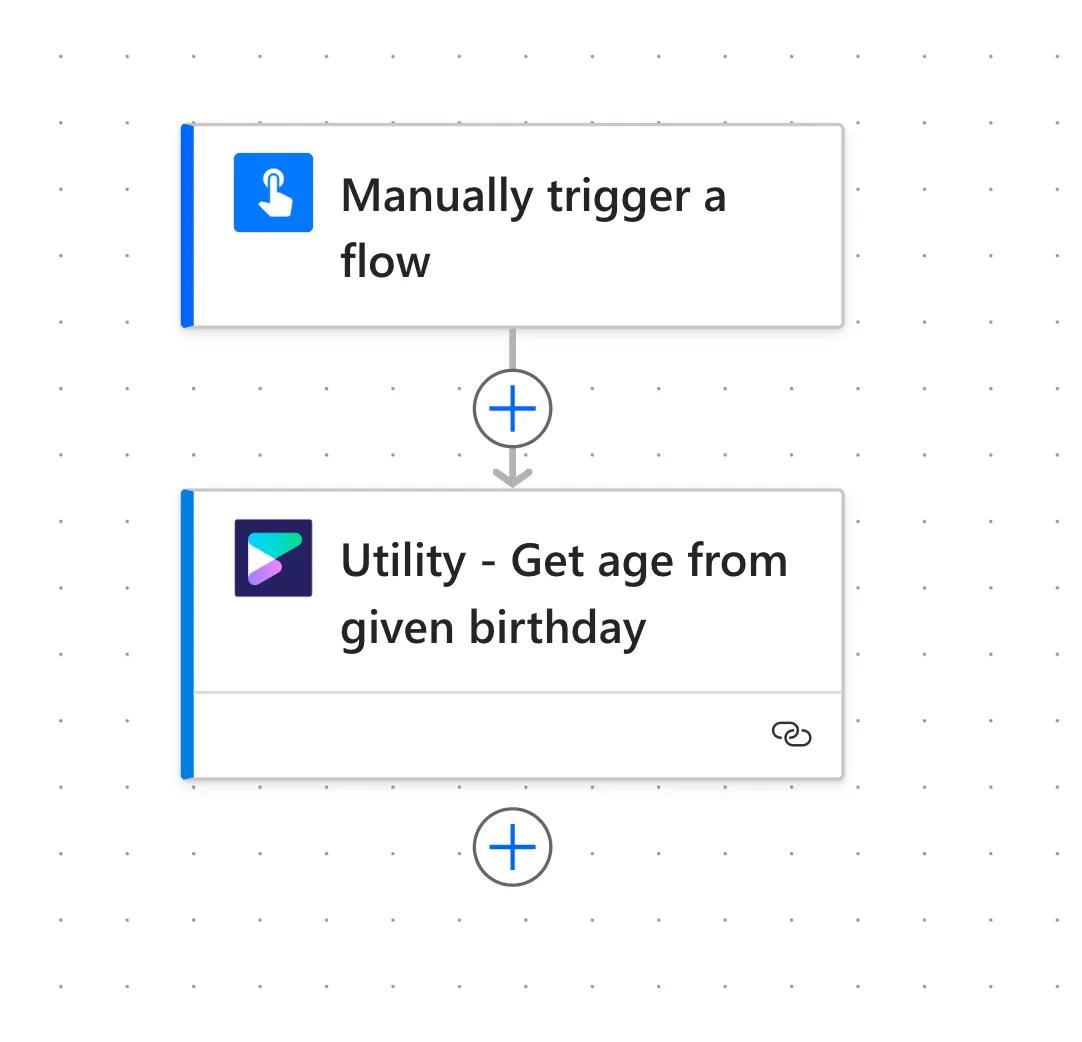

Getting started
Getting started with uFlow is easy! Just follow the steps below and start automating in no time.
Start with a Free plan
Section titled “Start with a Free plan”-
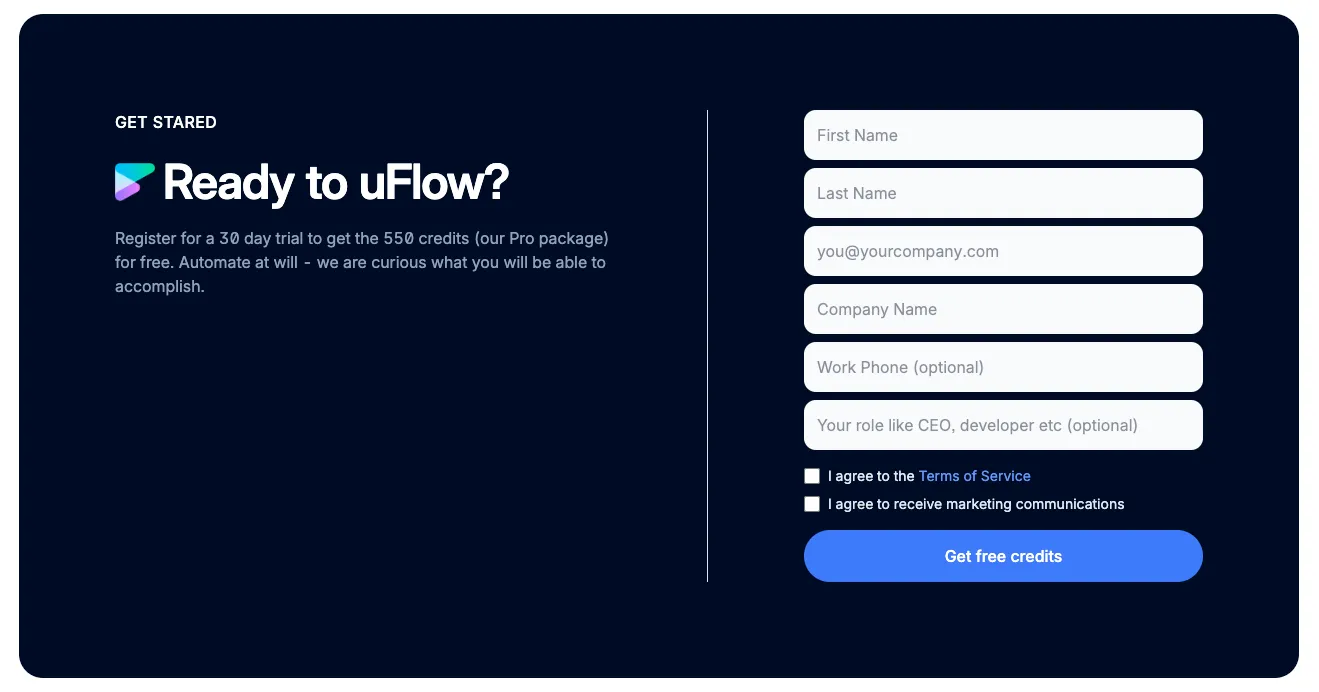
Sign up for uFlow trial to get your API key:
-
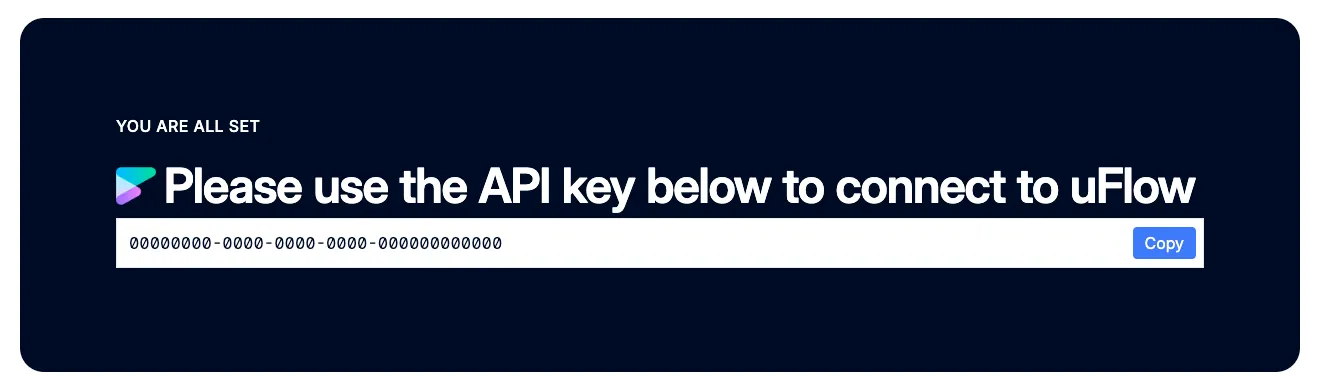
Store your API key in a secure location
-
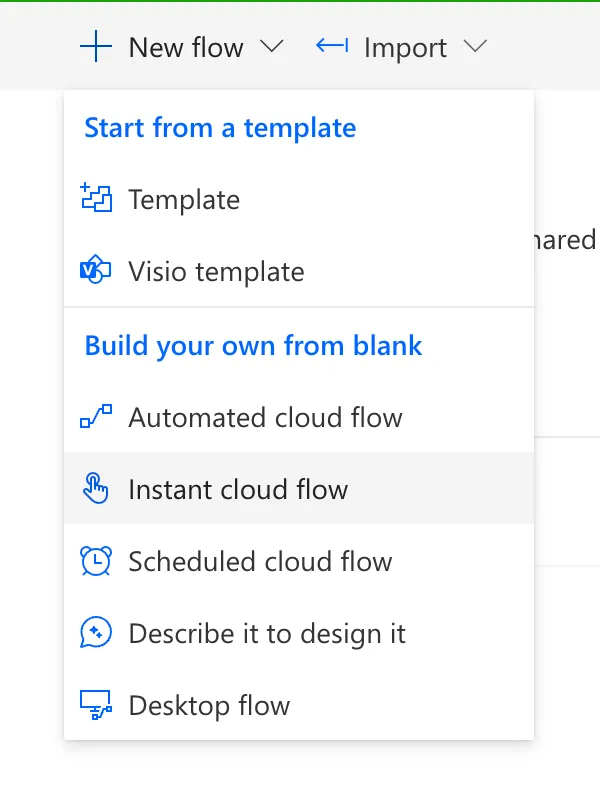
Create a Power Automate flow with a Manual trigger
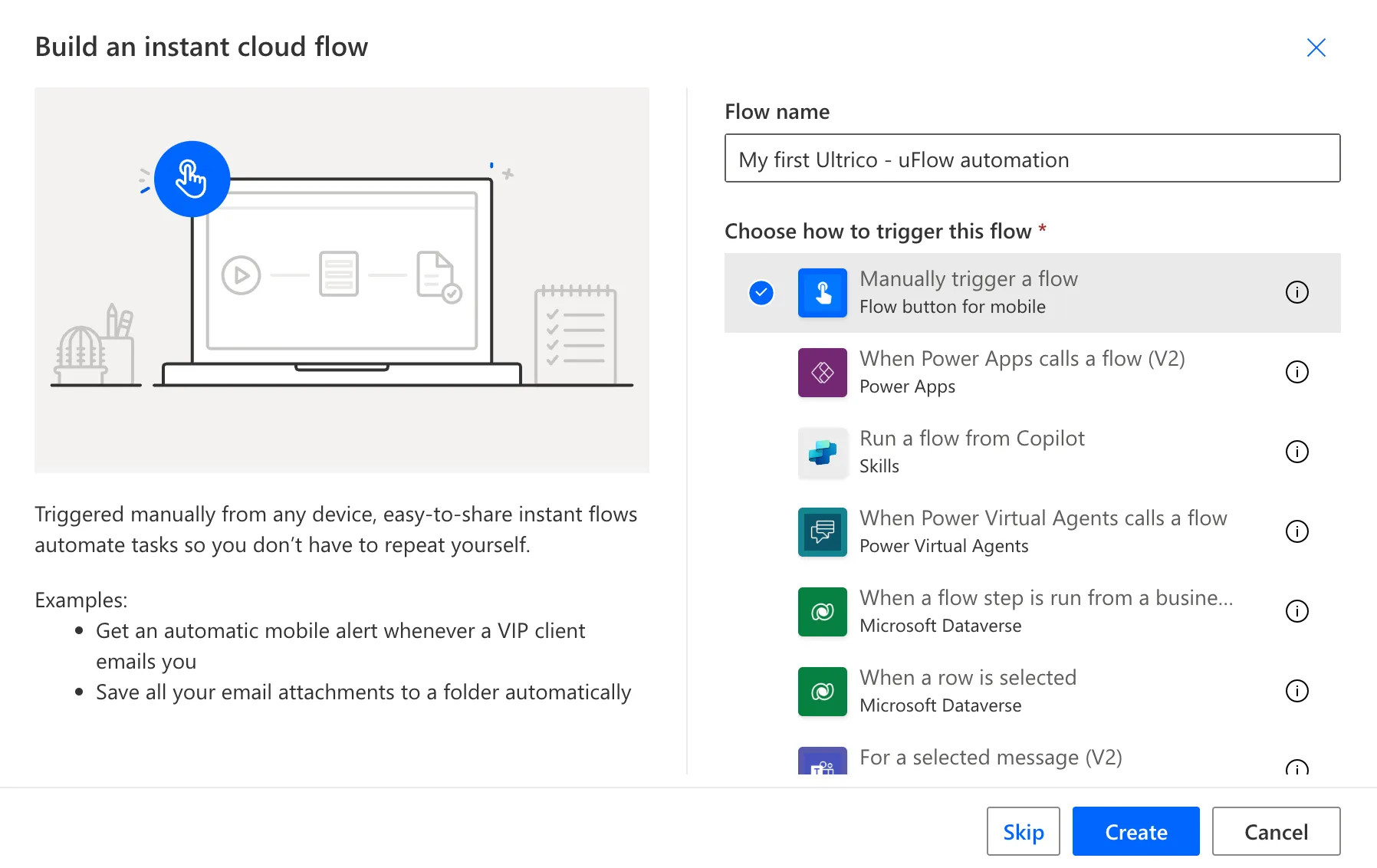
-
Add your first Ultrico - uFlow action (type Ultrico to filter)
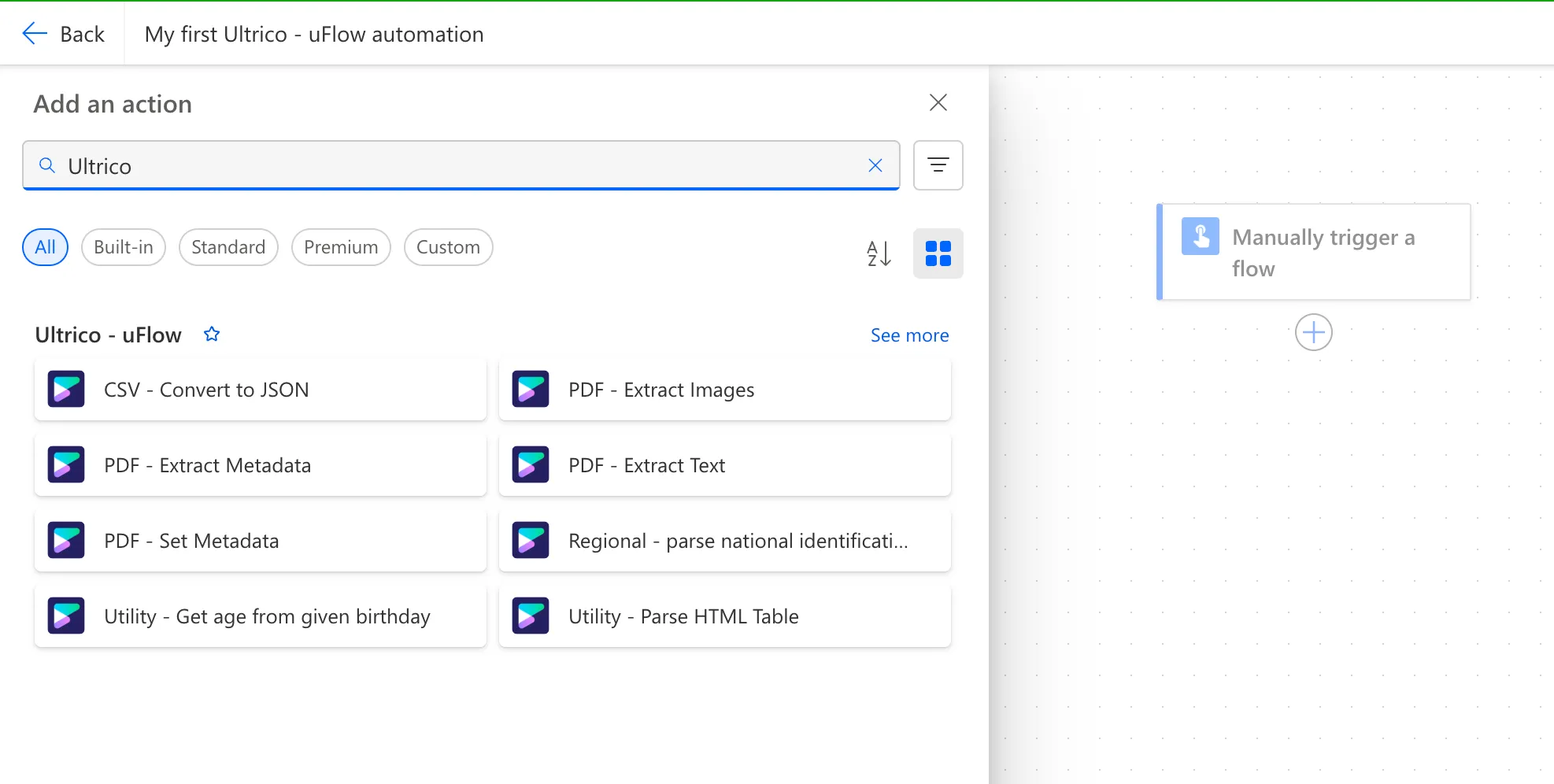
-
Configure your connection
Use the API key you copied earlier to create a connection to uFlow.
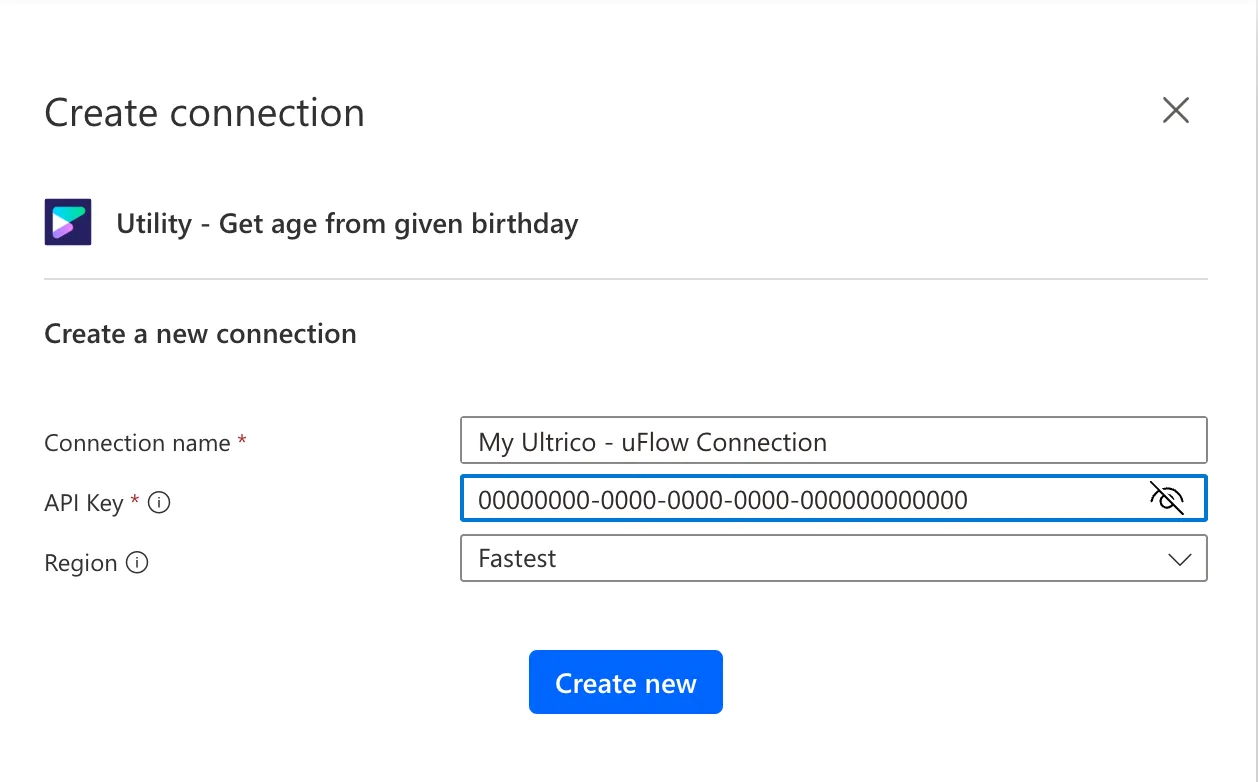
-
Ready to go!
You can now configure your action parameters and run the flow to verify your API key works.